Productivity
Apr 25, 2026
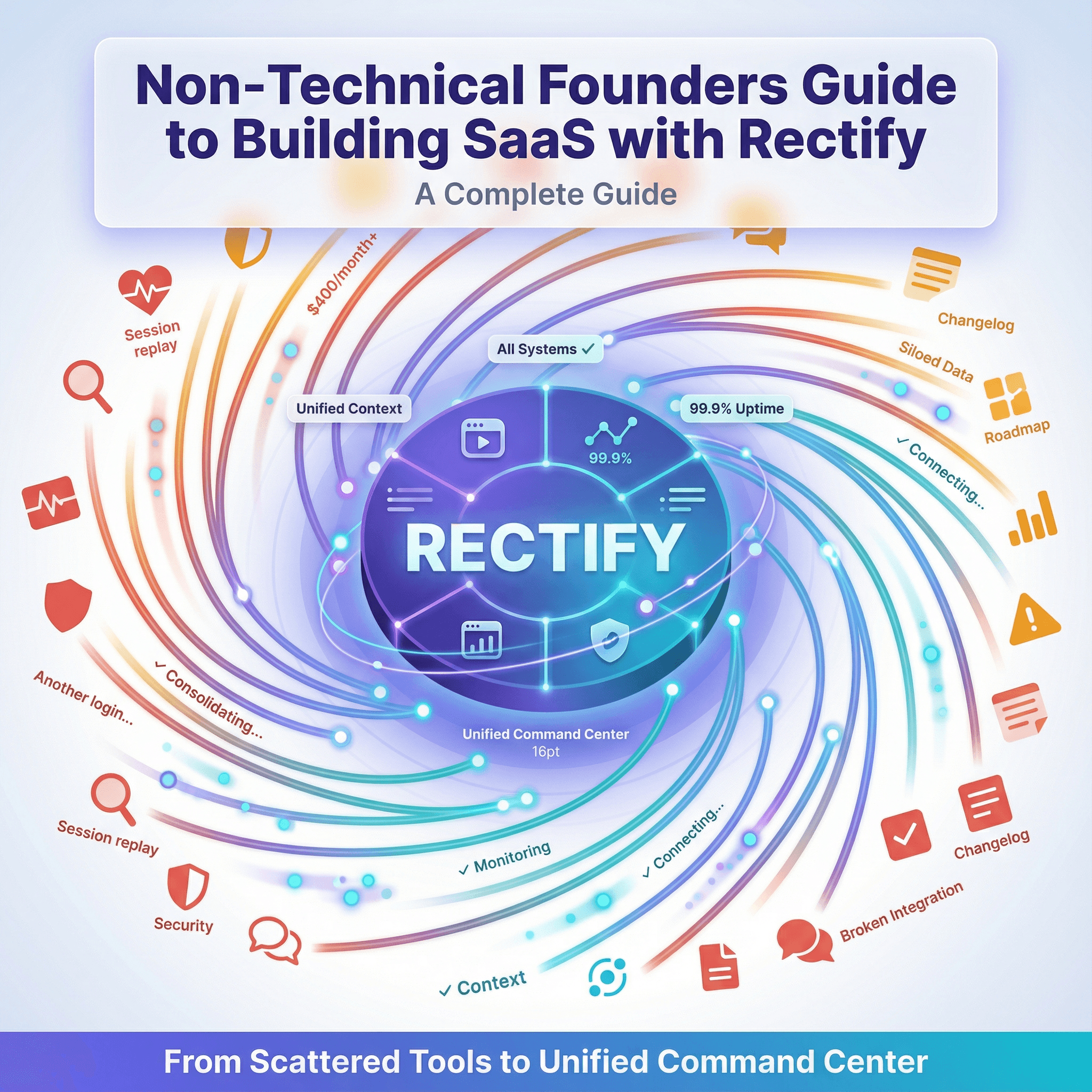
Rectify just shipped MCP with OAuth. And I want to show you what you can actually do with it.
Because this is bigger than it sounds.
Open any MCP-compatible client. Connect Rectify. Now you can run your entire SaaS, and the AI agents running it, from a conversation.
Got a bug report? Ask your agent to pull the session replay, see exactly what the user experienced, and suggest the fix. All in one thread.
Shipping something new? Ask it to draft your changelog, review it, then publish it directly. Done.
Want to know what your users are asking for most? Ask it to summarise your feedback inbox, group the themes, and update your roadmap priorities based on what it finds.
Uptime incident overnight? Ask it to pull the incident report, check what monitors triggered, draft a status update, and post it to your status page.
Support ticket come in that needs context? Ask it to find the related session, read the user's history, and reply in the inbox with full context already loaded.
Want to create a new monitor for an endpoint you just shipped? Just ask.
Need a new sub-agent to handle a recurring task in AgentPulse? Ask your agent to create one, install the skill, set the cron schedule, and resume the workload. Done in one prompt.
This is the stuff that used to pull you out of your flow. Open another tab. Log in somewhere. Find the thing. Come back. Explain it to your AI. That's gone.
Your agent now has eyes and hands across your product operations. Read, update, create, delete. Across all of Rectify, without leaving the conversation.
We've spent a long time building this properly. Here's what's under the hood.
What MCP Is, Quickly
Model Context Protocol is the open standard that lets AI agents talk to external tools securely. Anthropic created it. The ecosystem adopted it. Claude, Cursor, Claude Desktop, and a growing list of other clients all support it.
For Rectify, MCP is how we make your AI agent a direct operator of your SaaS, not just an advisor about it.
The shift matters. Most "AI integrations" let your agent read data. MCP lets your agent act on it. Read a session, draft the reply, post the reply. Pull the feedback, create the roadmap card, generate the changelog. Execution, not suggestion.
What Your Agent Can Actually Do
The Rectify MCP exposes the full surface of the platform. Read tools and write tools. Here's what's in scope.
AgentPulse. This is the part most people miss. Your agent can manage other agents. List your agents and sub-agents, create new ones, update them, delete them, install and redeploy skills, set permissions, manage cron jobs, run them on demand, pause and resume workloads, view session history, send messages into agent sessions, manage your task board (columns, cards, ordering), and pull usage cost and workload status.
If you're running a multi-agent system inside Rectify, MCP lets your AI orchestrate it conversationally. The meta version of the workflow.
Sessions and feedback. List sessions, preview them, analyse a session tied to a piece of feedback, pull session history. List and search user feedback, get the overview, add notes, assign it to teammates, update entries.
Support inbox. List inbox conversations, search by email, pull unread counts and the inbox overview, get a specific conversation, reply directly, assign conversations, send chat requests, mark things read.
Uptime monitoring and incidents. List monitors, get monitor stats, see your monitoring overview, slowest and lowest uptime monitors, create new monitors, update them, pause and resume them. Create incidents, list and update them, acknowledge and resolve them, pull incident analytics.
Code scanning. Trigger a scan, pull the current scan, scan history, scan metrics, list scan issues, get specific issue detail, group issues by file.
Roadmap. List boards, get and create boards, list columns, create columns, update them, list cards, get a specific card, create cards, move them between columns, update them.
Changelog. List changelog entries, get a specific entry, create new ones, update existing ones.
Documents. Get, list, search, create, update, archive, and restore documents in your workspace.
Alerts. List alerts, create new ones, dismiss them.
The point isn't to memorise the list. The point is that the surface is wide enough that your agent can take a request like "find the last three users who hit the checkout error, look at their sessions, and reply to them in the inbox" and actually do all of it in sequence, without you stitching anything together.
Two Ways To Connect
There are two MCP servers depending on how you want to use Rectify.
Remote HTTP MCP with OAuth. This is the new one. You connect once through a standard OAuth flow, your agent gets scoped access to your workspace, and you're done. No local install. No config file. Works from any MCP-compatible client that supports remote servers.
This is the version that fits Claude's connector flow. Click Connect, see the Rectify auth screen, grant access, and you come back to your conversation with the connection live.
Local npx MCP with token auth. This is the original. Runs on your machine via npx. You drop a config block into your client and you're connected:
Useful if you're working in an IDE like Cursor or any local-only MCP setup. Generate the token from your Rectify settings, drop it in, and your agent has access.
Both servers expose the same Rectify capabilities. Pick whichever matches your workflow.
Authentication, In Plain Terms
Connecting an external agent to your operations data is a real trust decision, so here's the shape of it.
OAuth flow uses a standard OAuth handshake. You authenticate with your existing Rectify account, you grant explicit scope to the connection, and a token gets issued. Token-based auth (the npx version) uses a scoped MCP token you generate from your Rectify settings.
Either way: agents can only do what your account can do. No privilege escalation. Tokens can be revoked at any time from your settings. All traffic over HTTPS.
Setup
For the remote OAuth server in any MCP client that supports remote connections:
Add a new MCP server in your client and point it at the Rectify MCP URL shown in your Rectify settings.
Your client will redirect you to Rectify to authenticate.
Sign in with your Rectify account, grant access.
You're back in your client with the connection live.
For the local npx server in clients like Cursor:
Generate an MCP token from your Rectify dashboard under Settings.
Drop the config block (shown above) into your client's MCP config, with your token.
Restart the client.
You're connected.
Detailed setup steps for specific clients live in our docs.
Why We Built This
Most SaaS tools assume you'll come to them. Open the dashboard. Click around. Find what you need. Then go back to whatever you were actually trying to do.
That's a tax on your attention. And in 2026, with founders running real products with tiny teams and a lot of help from AI, that tax is too high.
Rectify's whole thesis has been that operations should happen in the conversations you're already having, not in a separate dashboard you have to switch into. Our in-app agent Quanta has been doing that inside Rectify. The MCP server now extends the same idea to whatever AI you're using outside Rectify, including the agents you're running in AgentPulse.
You ask. It executes. The dashboard is still there if you want it. But you don't have to use it.
Try It
Rectify is built for solo founders and small teams running real SaaS. Zero learning curve. Just ask. Pricing starts free and runs to $99/month for the full platform, with BYOK on AI so your model costs are zero markup direct to the provider.
The MCP server is live now. Connect it and see what you can do.
Get started at rectify.so.